
A WordPress User's Guide to WCAG Accessibility
What you'll learn
 WCAG StandardsWordPress AccessibilityInclusive Design PrinciplesAssistive Technologies
In today's digital landscape, creating a website that is accessible to everyone is not just a best practice; it is a fundamental requirement for true inclusivity. As WordPress users, especially those leveraging open-source tools, we have a unique opportunity and responsibility to build online experiences that cater to diverse needs. This article will guide you through the essentials of designing an accessible WordPress website, focusing on how to understand and implement the Web Content Accessibility Guidelines (WCAG) to ensure your site is usable by individuals with disabilities.
Understanding Web Content Accessibility Guidelines (WCAG)
The Web Content Accessibility Guidelines (WCAG) are internationally recognized recommendations for making web content more accessible to a wider range of people with disabilities. These guidelines are developed by the World Wide Web Consortium (W3C) through its Web Accessibility Initiative (WAI).
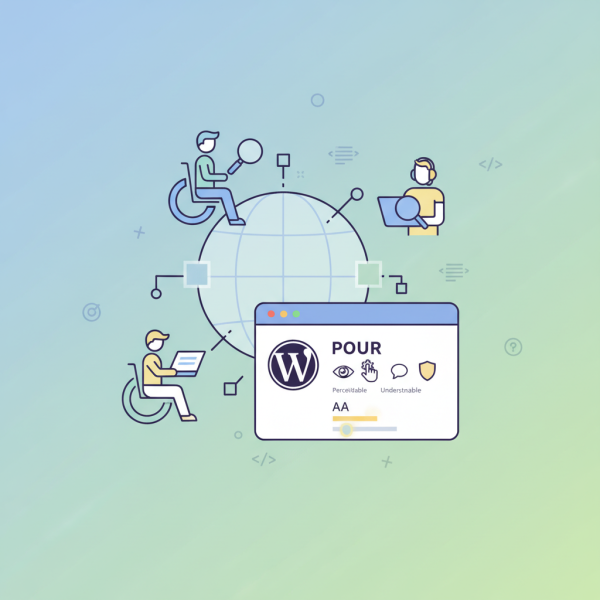
WCAG is structured around four core principles, often remembered by the acronym POUR: Perceivable, Operable, Understandable, and Robust. Each principle is supported by specific guidelines and testable success criteria. Adhering to these principles ensures that your website content can be accessed and interacted with by everyone, regardless of their abilities.
WCAG defines three levels of conformance: A (lowest), AA, and AAA (highest). Most governmental and legal requirements globally recommend or mandate WCAG 2.1 Level AA conformance. This level strikes a balance between accessibility and practical implementation, making it the most common target for web developers and content creators.
Accessibility Features Built into WordPress
WordPress, as an open-source platform, has made significant strides in embracing accessibility. The core software is developed with accessibility in mind, providing a solid foundation for users to build upon. However, achieving full accessibility compliance ultimately rests with the website owner and developer.
The Gutenberg block editor, introduced in recent WordPress versions, incorporates numerous accessibility features by design. It allows for semantic structuring of content, proper heading usage, and supports keyboard navigation. When used correctly, it greatly assists in creating accessible content.
While WordPress core provides a good starting point, themes and plugins play a crucial role. Opting for
Comprehension questions
 What do the four POUR principles of WCAG stand for and why are they fundamental to web accessibility?How does alternative text for images contribute to the perceivable principle of WCAG, and why is it crucial for users with visual impairments?Name two specific WordPress features or approaches that can help in achieving WCAG compliance for operable and understandable content.Beyond initial design, what ongoing practices are essential for maintaining an accessible WordPress website over time?