WordPress User Roles and Permission
Course Details
WordPress powers a vast portion of the web, evolving from a simple blogging platform into a robust content management system. For developers managing complex websites, especially those with multiple contributors, understanding its intrinsic user management capabilities is paramount. Efficiently controlling who can do what on your site is not merely a convenience; it's a fundamental aspect of security, workflow optimization, and maintaining content integrity. This course delves deep into the architecture of WordPress user roles and permissions, providing the tools necessary to confidently manage multi-author environments.
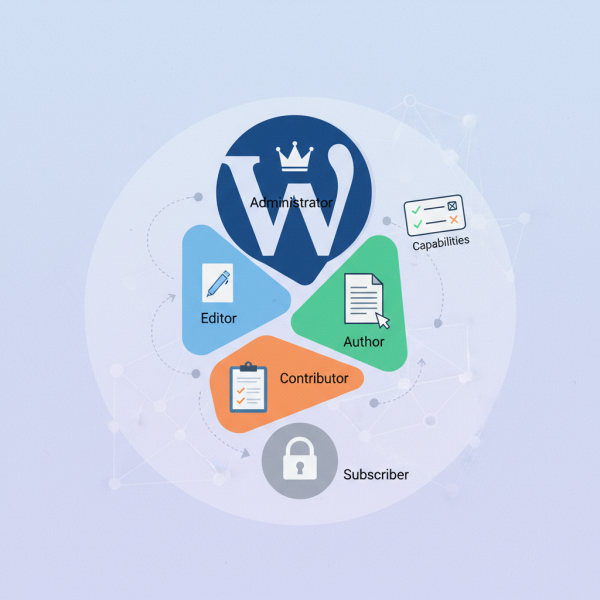
At its core, WordPress offers a foundational set of user roles: Administrator, Editor, Author, Contributor, and Subscriber. Each role comes with a predefined set of capabilities, dictating their interaction with the site's backend and content. While these defaults serve many basic setups, sophisticated multi-author platforms demand a more nuanced approach. Developers frequently encounter scenarios where specific users require custom access levels that don't neatly fit into the standard categories, necessitating a thorough grasp of how to extend and customize these permissions without compromising site stability or security.
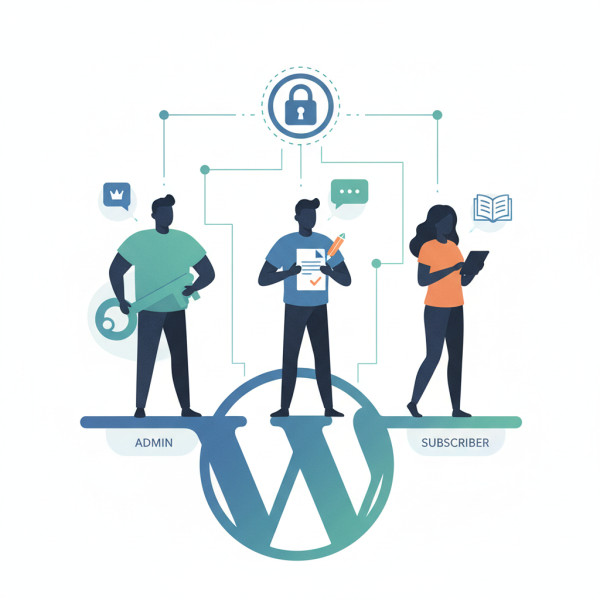
This course will specifically focus on the critical distinctions and management strategies for Administrators, Editors, and Subscribers. Administrators wield ultimate control, Editors manage content publication, and Subscribers typically have read-only access. Understanding the granular capabilities associated with these roles, and how to effectively leverage them, is crucial for maintaining an organized and secure editorial workflow. We will explore best practices for assigning these roles, ensuring each team member has precisely the access they need, no more, no less, thereby streamlining content creation and publication processes.
Are you an Open Source Web Software Developer looking to enhance your WordPress site management skills, particularly in multi-author environments? Join us in this comprehensive course to unlock the full potential of WordPress user roles and permissions. Elevate your expertise in managing content workflows, securing your installations, and empowering your team members with appropriate access. Enroll today and transform the way you approach WordPress user management.
Course Contents (11 lessons)
- 1.
 This guide provides an essential overview of WordPress user roles and capabilities, detailing how user access is structured for enhanced site security and efficient content management.
 - 2.
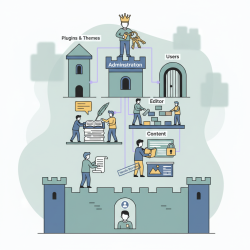 This guide deeply explores default WordPress user roles, detailing the distinct capabilities of Administrators, Editors, Authors, Contributors, and Subscribers for effective website management.
 - 3.
 Administrators manage comprehensive site control, user access, system configuration, and security, ensuring digital platform stability, performance, and strategic alignment.
 - 4.
 The editor role encompasses strategic content management, meticulous publication oversight from creation to distribution, and vigilant community moderation for quality and ethical standards.
 - 5.
 The Subscriber Role grants essential website access, enabling users to consume content, interact through comments, and manage their personal profiles, fostering basic engagement and account autonomy.
 - 6.
 Capabilities are foundational for assigning granular permissions to roles, using unforgeable tokens to enforce the principle of least privilege, enhancing system security.
 - 7.
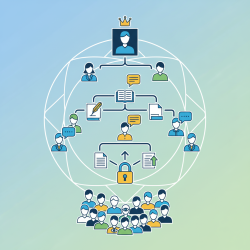 An effective multi-author site strategy relies on clearly defined user roles and permissions, ensuring content quality, security, and efficient collaboration for all contributors.
 - 8.
 Implementing robust security and efficient user management hinges on clear role assignment, least privilege principles, regular audits, and continuous training to safeguard organizational data and systems effectively.
 - 9.
 Specialized plugins vastly enhance default user roles and permissions, offering granular control over access and content visibility for highly customized and secure digital platforms.
 - 10.
 This article provides effective strategies for identifying, diagnosing, and resolving user role conflicts and permission issues, ensuring secure and efficient access management across systems.
 - 11.
 Proactively adapting user management systems is crucial for long-term site growth, ensuring scalability, security, and a seamless experience as digital platforms evolve.