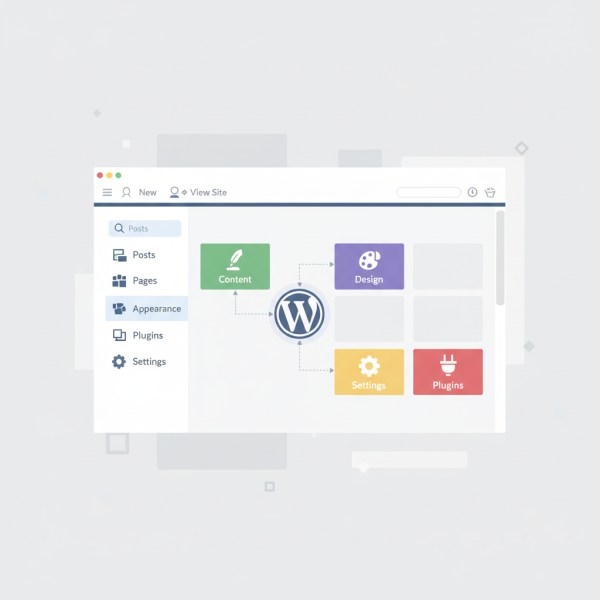
Navigating the WordPress Dashboard
Course Details
As an Open Source Web Software Developer, mastering the intricacies of the WordPress dashboard is paramount for efficient website management and robust development practices. Beyond merely understanding how to post content, a deep dive into the backend's architecture—its settings, tools, and menus—unlocks the full potential of this powerful CMS, allowing for greater control, customization, and optimization of client projects or personal ventures.
The WordPress admin UI is a sophisticated environment, often underestimated by those who only scratch its surface. For developers, navigating this space means understanding where to configure critical site-wide settings, how to leverage built-in tools for diagnostics and maintenance, and effectively utilizing various menus to streamline workflows. This foundational knowledge empowers you to confidently manage user roles, customize themes and plugins more effectively, and troubleshoot issues with greater precision, ultimately enhancing your productivity and the quality of your deliverables.
This guided tour is specifically tailored to the developer's perspective, moving beyond basic user operations to explore the dashboard's capabilities as a powerful management console. We will demystify common areas like the Settings sections, delve into the various Tools available, and dissect the structure and function of key administrative menus. Our goal is to transform your interaction with the WordPress backend from a routine task into an informed, strategic process.
Are you ready to elevate your WordPress development skills by gaining a comprehensive understanding of its administrative interface? Join us in this essential course, designed to equip Open Source Web Software Developers with the expertise needed to navigate the WordPress dashboard confidently and efficiently, ensuring you harness its full power for every project.
Course Contents (10 lessons)
- 1.
 This guide provides a high-level overview of the WordPress dashboard, detailing its structure, navigation, and core sections for effective website management.
 - 2.
 Dashboard home screens provide crucial at-a-glance information and tools through intelligent widget application, enhancing productivity and user experience.
 - 3.
 Mastering media library management, from uploading and organizing to editing and optimizing for the web, is crucial for improving website performance and user experience.
 - 4.
 Efficient comments moderation cultivates a vibrant and secure online environment by establishing clear guidelines, leveraging effective tools for approving and trashing content, and engaging thoughtfully with user feedback.
 - 5.
 This article guides users through the Appearance menu, detailing how to effectively customize themes, manage dynamic content with widgets, construct clear navigation menus, and safely utilize the theme editor for advanced styling, all for a unique website.
 - 6.
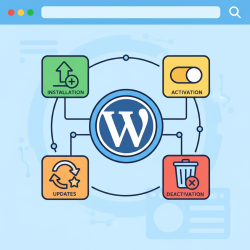 Master essential WordPress plugin management: learn installation, activation, crucial updates for security and performance, and proper deactivation and deletion for an efficient site.
 - 7.
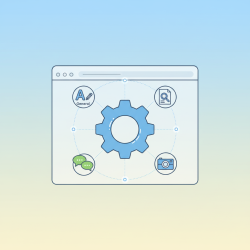 Explore how to configure WordPress's General, Writing, Reading, Discussion, Media, and Permalinks settings to optimize site functionality and user experience.
 - 8.
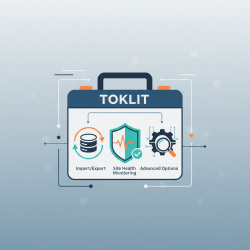 Effective web development relies on a robust toolkit featuring import/export for data, site health monitoring, and advanced debugging and profiling for efficiency and quality.
 - 9.
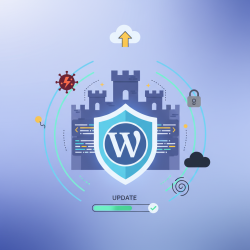 Regularly updating WordPress core, themes, and plugins is paramount for website security, performance, new features, and compatibility, minimizing risks like vulnerabilities and functionality issues.
 - 10.
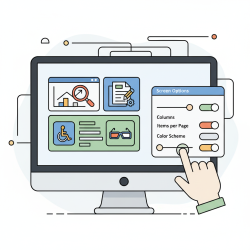 Optimize your administrative interface by leveraging screen options for tailored content display and integrating accessibility features, creating a more efficient and inclusive dashboard experience.