WordPress.org vs. WordPress.com
Course Details
For many open source web software developers, WordPress represents a cornerstone of modern web development, powering a significant portion of the internet. Its versatility and extensive ecosystem make it a go-to platform for a myriad of projects, from simple blogs to complex e-commerce solutions. However, a persistent point of confusion, even among seasoned developers, often arises when distinguishing between WordPress.org and WordPress.com. Understanding these fundamental differences is not merely an academic exercise; it's crucial for making informed decisions that impact project scope, scalability, and long-term maintenance.
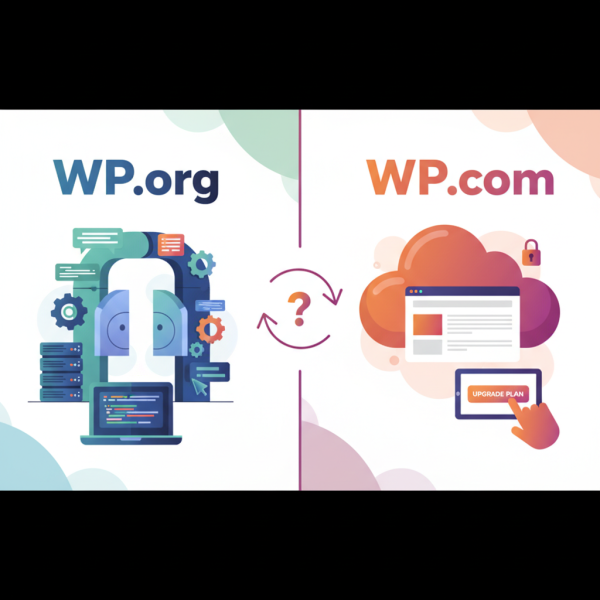
At its core, the distinction lies in control and hosting. WordPress.org refers to the free, open-source content management system (CMS) software that you download and install on your own web server. This provides unparalleled flexibility, allowing full control over every aspect of your site, from server configuration to database access and custom code. Conversely, WordPress.com is a commercial, hosted platform that utilizes the WordPress software but manages all the underlying infrastructure for you, offering a more hands-off experience often at the cost of complete customization freedom.
From a developer's perspective, these differences manifest significantly. With WordPress.org, developers gain the autonomy to choose their hosting provider, implement advanced caching strategies, use any plugin or theme, integrate custom APIs, and directly modify core files if necessary. This level of access is invaluable for building highly specialized applications and optimizing performance. WordPress.com, while excellent for quick deployments and those preferring minimal technical overhead, places certain restrictions on server access, plugin installations (especially on lower-tier plans), and custom theme development, pushing developers towards their provided tools and services.
Navigating the nuances between these two powerful platforms is essential for selecting the right environment for your development projects and client needs. This comprehensive course will systematically break down the critical architectural, functional, and practical distinctions, equipping you with the clarity needed to confidently leverage WordPress in its various forms. Join us to deepen your understanding and enhance your strategic decision-making in the dynamic world of WordPress development.
Course Contents (8 lessons)
- 1.
 WordPress.org, a free, self-hosted open-source CMS, offers unparalleled flexibility, control, and customization via its vast theme and plugin ecosystem.
 - 2.
 WordPress.com offers a managed hosting service, simplifying website creation by handling all technical aspects, empowering users to focus on content and design.
 - 3.
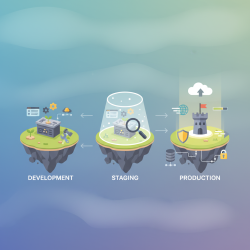 Successfully managing WordPress requires distinct hosting and server strategies for development, staging, and production environments, optimizing performance, security, and cost while ensuring seamless operations.
 - 4.
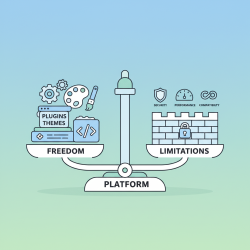 Plugins and themes offer vast customization, but platforms impose vital limitations via APIs, security, and compatibility, balancing innovation with essential stability.
 - 5.
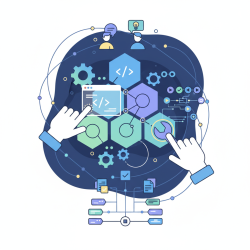 This article explores the critical interplay between robust customization capabilities and streamlined development workflows essential for the success and sustainability of open source projects.
 - 6.
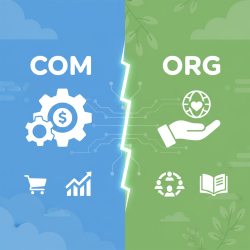 Scalability and performance strategies for .com vs. .org websites vary, driven by unique commercial or mission-driven goals and distinct resource allocations.
 - 7.
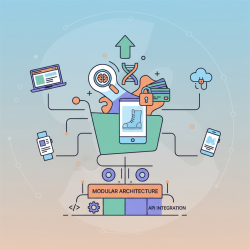 E-commerce requires advanced features for seamless cross-platform experiences. Strategic implementation overcomes integration and performance challenges for unified user engagement and growth.
 - 8.
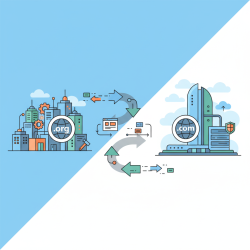 Understanding the nuances and employing strategic steps are vital for seamless migrations between WordPress.org and WordPress.com, ensuring content preservation and functionality.