Local WordPress Database Management
- -->> 7. Local WordPress Database Management
What you'll learn
 Local Database BackupDatabase Restoration TechniquesDatabase OptimizationWordPress Database Tools
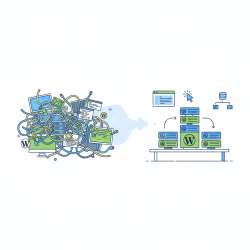
Managing the database of your local WordPress site is a critical skill for any developer or site owner. While often overlooked in local development environments, proper database management ensures data integrity, facilitates smooth development cycles, and prepares you for seamless deployment to live servers. This article will delve into essential tools and techniques for backing up, restoring, and maintaining your local WordPress site databases, empowering you with the knowledge to safeguard your development work and streamline your workflow.
Why Local Database Management Matters
A local development environment is a place for experimentation and building. However, even on your local machine, data loss can occur due to corrupted files, accidental deletions, or issues with your local server stack. Without robust backup and restore procedures, hours of development work can be lost, leading to significant frustration and project delays. Regular management practices also ensure that your local database accurately reflects your project's state, preventing discrepancies when migrating to a production environment.
Understanding Your WordPress Database
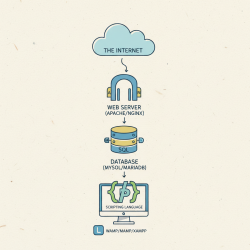
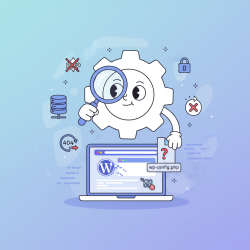
At its core, a WordPress database is a collection of interconnected tables that store virtually all your site's content and settings. This includes posts, pages, comments, user information, plugin settings, theme options, and much more. Typically, WordPress uses a MySQL or MariaDB database. Understanding that everything from a single post revision to your site's entire structure resides within this database highlights the immense importance of managing it diligently.
Essential Tools for Local Database Management
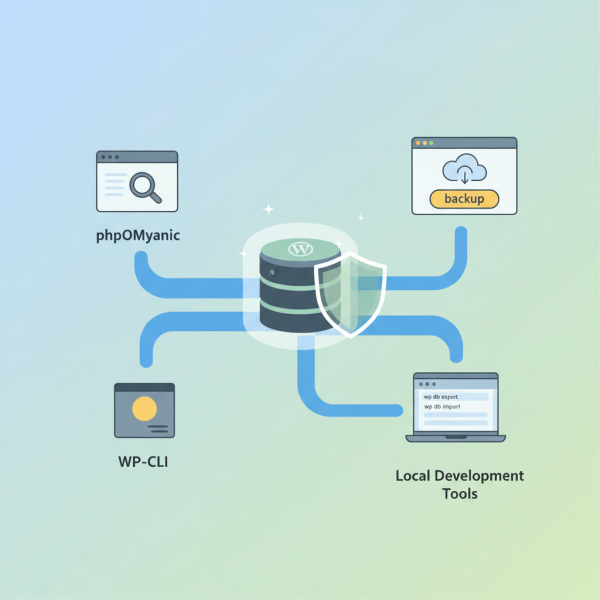
A variety of tools are available to help you interact with and manage your local WordPress database. Choosing the right tool often depends on your comfort level and the specific task at hand. Familiarity with at least one of these is crucial for effective database handling.
- phpMyAdmin: This web-based interface is perhaps the most widely used tool for MySQL database administration. It comes bundled with most local server stacks like XAMPP, MAMP, and WAMP. phpMyAdmin provides a graphical interface to browse, modify, and export/import databases and tables.
- Adminer: A lighter, single-file alternative to phpMyAdmin, Adminer offers similar functionalities with a simpler interface. It's excellent for quick database access without the overhead of phpMyAdmin.
- WP-CLI: The WordPress Command Line Interface is a powerful tool for developers. It allows you to manage almost every aspect of your WordPress installation, including database operations, directly from your terminal. This is often faster and more efficient for specific tasks, especially for scripting.
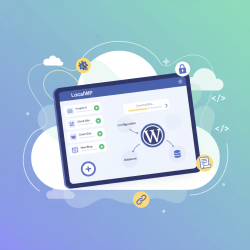
- Local Development Tools: Modern local development applications like Local by WP Engine, DevKinsta, and DesktopServer often include built-in features for database management, including one-click backup and restore functionalities, making the process incredibly straightforward.
Comprehension questions
 Why is managing a local WordPress database considered a critical skill for developers?Name three essential tools discussed in the article for local database management and briefly describe their primary function.Outline the general steps for performing a database backup using phpMyAdmin.What are two key maintenance and optimization strategies recommended for a local WordPress database?
Community Poll
Next Lesson
Course Contents : WordPress Local Development Environments
- >> 7.
 Local WordPress Database Management