WordPress Local Development Environments
Course Details
Developing WordPress websites directly on a live server can be fraught with risks, making local development an indispensable practice for any serious open source web software developer. A local development environment provides a private, isolated space on your personal computer where you can build, test, and iterate on WordPress projects without affecting a live site or incurring hosting costs. This approach significantly speeds up development cycles, enhances security, and allows for fearless experimentation with themes, plugins, and custom code.
Setting up a robust local development environment involves configuring a web server, a database, and a scripting language interpreter, mimicking the typical production environment. While this can seem daunting, modern tools have streamlined the process, making it accessible to developers of all experience levels. Understanding how these components interact locally is fundamental to deploying stable and secure WordPress applications.
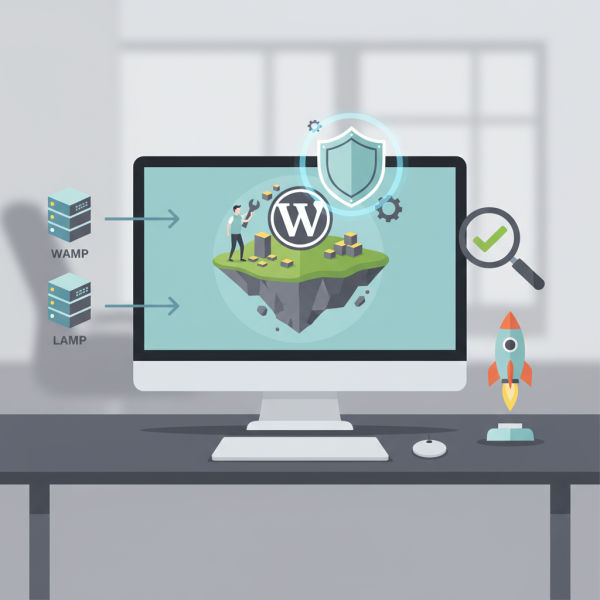
This course will explore various methodologies for establishing your local WordPress development workflow. We will cover the foundational concepts of setting up a web server stack, often referred to as WAMP, MAMP, or LAMP depending on your operating system, and delve into the efficiencies offered by specialized tools like LocalWP. These tools abstract away much of the manual configuration, allowing developers to focus more on coding and less on infrastructure management, leading to more productive development sessions.
Embark on this essential journey to solidify your WordPress development skills by mastering local installation and setup. This course offers practical insights and step-by-step guidance to equip you with the knowledge to create, manage, and deploy WordPress sites with confidence and efficiency. Join us to transform your development workflow and build exceptional web experiences from the comfort of your local machine.
Course Contents (10 lessons)
- 1.
 Local WordPress development is crucial for enhancing efficiency, ensuring security, and streamlining project management, providing a sandbox for safe experimentation and robust testing before live deployment.
 - 2.
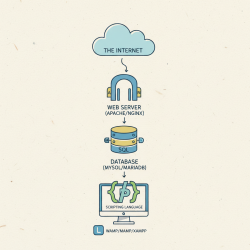 Explore essential local web server components: Apache/Nginx for serving, MySQL/MariaDB for data, and PHP for dynamic content, enabling robust development environments.
 - 3.
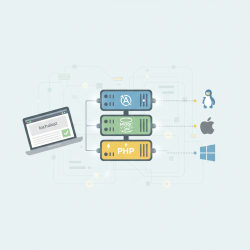 Manually install and configure Apache, MySQL, and PHP for WAMP, MAMP, and LAMP setups on Windows, macOS, and Linux systems.
 - 4.
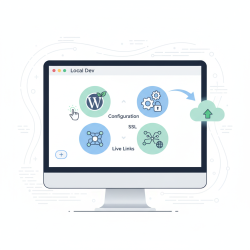 Explore LocalWP, a popular and user-friendly tool that streamlines WordPress development by providing a fast, isolated local environment with one-click setup and powerful features.
 - 5.
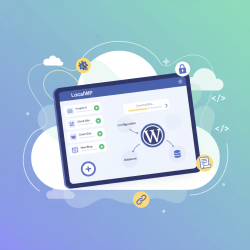 Learn to effortlessly set up and manage multiple WordPress websites on your local machine using LocalWP's intuitive interface, powerful features, and streamlined development workflow.
 - 6.
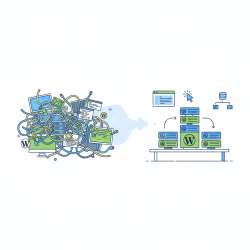 Efficiently manage multiple local WordPress projects by leveraging dedicated tools, consistent organization, and seamless switching techniques to boost productivity and prevent conflicts.
 - 7.
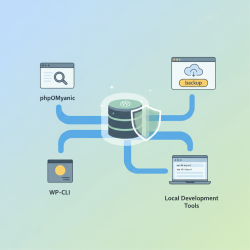 Mastering local WordPress database management is vital for data integrity, covering essential tools and techniques for effective backup, restoration, and optimization practices.
 - 8.
 Integrate Git into your local WordPress development workflow to track changes, facilitate collaboration, and manage your project's codebase, ensuring robust version control and streamlined processes.
 - 9.
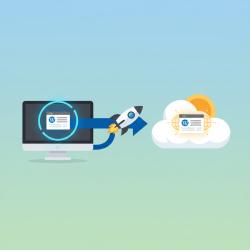 Learn essential steps and best practices for seamlessly migrating your locally developed WordPress website to a live hosting environment, ensuring a smooth and successful launch.
 - 10.
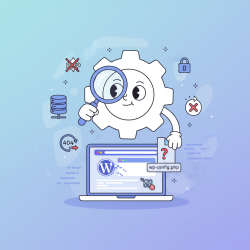 Learn to troubleshoot common WordPress local development issues including setup errors, database woes, WSOD, and permalink problems for a smoother workflow.