The Role of Local WordPress Development
- -->> 1. The Role of Local WordPress Development
What you'll learn
 Enhanced EfficiencySecurity and IsolationCollaboration BenefitsPerformance Optimization
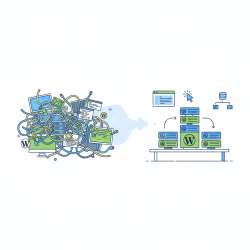
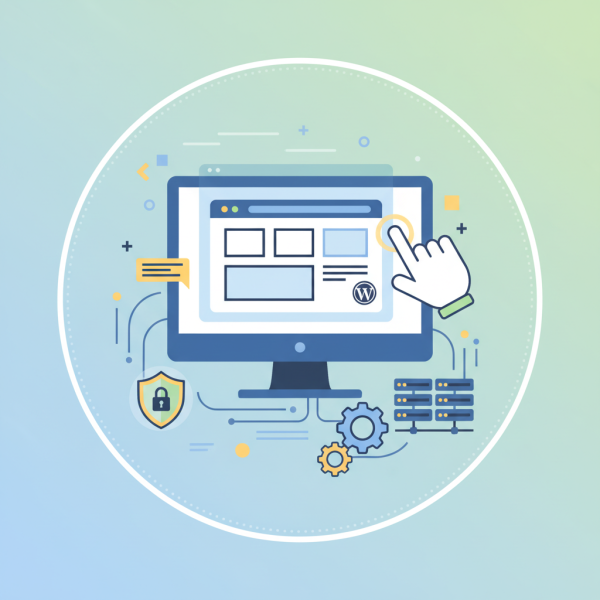
For WordPress developers, the journey from concept to a live, fully functional website is often intricate, involving numerous adjustments, testing phases, and collaborative efforts. This is where the practice of local development emerges as an indispensable cornerstone. Developing WordPress locally means creating a replica of your live website's environment directly on your personal computer. This isolated, controlled sandbox provides a safe haven for experimentation, development, and rigorous testing, shielding your live site from potential disruptions and ensuring a smoother, more secure, and ultimately more successful project lifecycle.
What is Local Development?
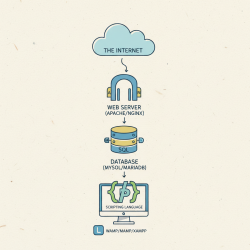
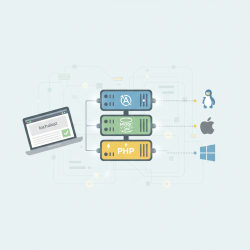
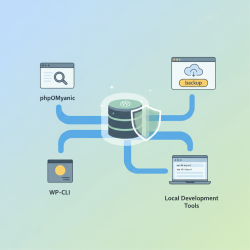
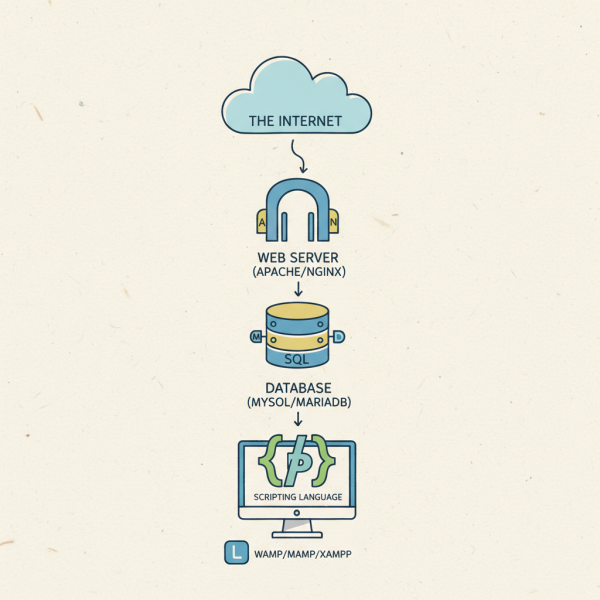
Local development refers to the process of setting up a complete web server environment on your personal computer. For WordPress, this typically involves installing a web server (like Apache or Nginx), a database server (MySQL), and a scripting language (PHP). This setup mimics the hosting environment of a live website, allowing you to install WordPress and develop your site as if it were online, but without the need for an internet connection or affecting any public-facing content. It's your private, personal web server, ready for dedicated work.
Enhanced Efficiency and Speed
One of the most immediate and tangible benefits of local development is the significant boost in efficiency and speed it offers. Working directly on your machine eliminates the latency associated with uploading files to a remote server or waiting for changes to propagate online. This instant feedback loop dramatically accelerates the development process.
Developers can iterate on designs, code custom functionalities, and make structural changes almost instantaneously. There's no reliance on internet connectivity, meaning work can continue uninterrupted even in offline environments. This agility empowers developers to experiment more freely, troubleshoot faster, and ultimately deliver projects within tighter deadlines.
Security and Risk Mitigation
The security implications of local development are profound. By building and testing your WordPress site in an isolated local environment, you completely mitigate the risk of introducing errors, vulnerabilities, or broken features to a live, public-facing website. Any mistakes or bugs are contained within your local sandbox, preventing downtime, data loss, or a compromised user experience for your actual visitors.
This isolation also provides a safe space for testing new plugins, themes, or custom code without fear. Before anything goes live, it can be thoroughly vetted in a controlled setting, ensuring it functions correctly and doesn't conflict with existing components. This proactive approach to security and quality control is invaluable for maintaining a robust and reliable WordPress presence.
Improved Collaboration and Workflow
Local development environments significantly streamline collaborative workflows, especially when multiple developers are working on the same project. Each team member can work on their own isolated version of the site without stepping on each other's toes or overwriting changes prematurely. This parallel development capability is crucial for large-scale projects.
Furthermore, local development integrates seamlessly with version control systems like Git. Developers can commit their changes locally, push them to a central repository, and then easily merge with contributions from other team members. This structured approach to code management ensures a clear history of changes, facilitates rollbacks, and enables a more organized and efficient team dynamic from development through to deployment.
Testing and Debugging Mastery
The ability to thoroughly test and debug is arguably where local development truly shines. A local environment provides an ideal setup for comprehensive testing across various scenarios, allowing developers to catch and fix issues before they ever impact real users. Every component, from a custom plugin to a theme modification, can be rigorously examined.
Debugging tools are often more powerful and easier to use in a local setup, offering detailed error logs and step-by-step code execution tracing. Developers can simulate different user interactions, test responsiveness across various screen sizes, and even replicate specific bug reports in a controlled manner. This mastery over the testing and debugging process leads to a higher quality, more stable, and error-free final product.
Performance Optimization
Performance is a critical factor for any successful website, and local development offers an excellent opportunity to optimize it from the ground up. While developing locally, you can closely monitor the performance impact of your code, plugins, and themes without the constraints or complexities of a live server environment. This allows for precise tuning and optimization.
By using local performance profiling tools, developers can identify bottlenecks, slow database queries, or inefficient code snippets. Making these adjustments locally means that when the site eventually goes live, it's already optimized for speed and efficiency, providing a superior user experience and better search engine rankings.
Choosing the Right Local Development Tool
Several excellent tools are available to help set up a local WordPress development environment. Each offers a slightly different approach and feature set, catering to various developer preferences and technical skill levels:
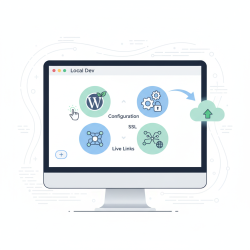
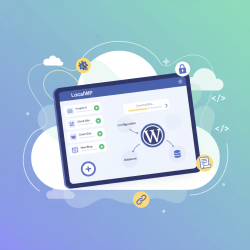
- Local by WP Engine: A popular, user-friendly desktop application specifically designed for local WordPress development. It offers easy site creation, one-click SSL, and seamless live push/pull functionality.
- XAMPP/MAMP/WAMP: These packages provide Apache, MySQL, and PHP (XAMPP for cross-platform, MAMP for macOS, WAMP for Windows) in a single installer, offering a more hands-on approach to configuring your local server.
- Docker/Vagrant: For more advanced users and larger teams, containerization (Docker) or virtualization (Vagrant) tools offer highly customizable and portable development environments that can precisely mirror production servers.
Best Practices for Local WordPress Development
To maximize the benefits of local development, adopting certain best practices is crucial:
- Utilize Version Control: Integrate Git from the very beginning to track all changes, facilitate collaboration, and provide a safety net for reverting to previous states.
- Backup Regularly: Even local environments can experience issues. Regularly back up your local site files and database.
- Mirror Live Environment Settings: Configure your local server to closely match the PHP version, database version, and server settings of your live hosting environment to prevent unexpected issues during deployment.
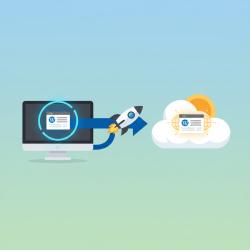
- Automate Deployment: Once development is complete, use tools or scripts to automate the deployment process from local to staging or live, minimizing manual errors.
Conclusion
Local WordPress development is not merely a convenience; it is a fundamental practice that underpins efficient, secure, and collaborative web project management. By providing an isolated environment for rapid iteration, rigorous testing, and proactive debugging, it empowers developers to build higher-quality websites with confidence. From enhancing individual productivity to streamlining team workflows and mitigating critical risks, the benefits are undeniable. Embracing local development is an investment in the stability, performance, and long-term success of any WordPress project, making it an essential skill in the modern developer's toolkit.
Comprehension questions
 What are the primary benefits of developing a WordPress site locally before deploying it live?How does local development contribute to the security of a WordPress project?Name two popular tools used for setting up a local WordPress development environment.Why is version control considered a best practice in local WordPress development?
Review Quiz
Next Lesson
Course Contents : WordPress Local Development Environments
- >> 1.
 The Role of Local WordPress Development