WordPress Database Optimization
- -->> 4. WordPress Database Optimization
What you'll learn
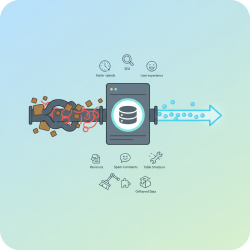
 Database CleanupPerformance EnhancementMaintenance ToolsTable Optimization
A fast and responsive website is paramount in today's digital landscape, and for WordPress users, the efficiency of their database plays a crucial role in achieving this. Over time, a WordPress database can accumulate a significant amount of unnecessary data, leading to bloat, slower query times, and ultimately, a degraded user experience. Efficiently optimizing your WordPress database isn't just a technical chore; it's a strategic move to enhance performance, improve SEO, and ensure your website remains agile and quick to load. This article will explore various essential tools and practical techniques to streamline your WordPress database, making your site run smoother and faster.
Why Database Optimization Matters
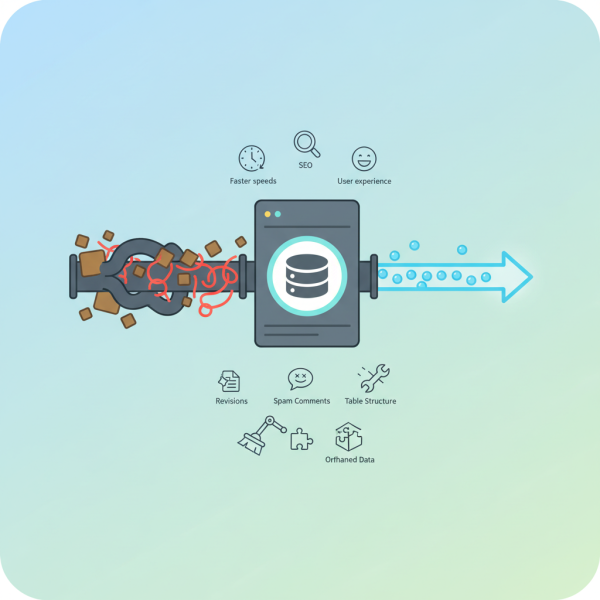
Every action on your WordPress site, from a post revision to a comment submission or even a plugin's temporary data, is stored in your database. Without regular maintenance, this data can pile up, turning a lean database into a sluggish behemoth. A bloated database requires more resources from your server, slows down page loading times, and can even cause your website to crash under heavy load. Optimization ensures that your database only contains what's essential, reducing its size and the time it takes to retrieve information.
- Faster website loading speeds.
- Improved user experience and engagement.
- Better search engine rankings (site speed is a ranking factor).
- Reduced server resource consumption.
- Enhanced overall website stability and reliability.
Core Optimization Techniques
Several fundamental techniques can significantly reduce your database size and improve its performance. These methods focus on identifying and removing redundant data and optimizing how the remaining data is stored.
Deleting Unnecessary Data
One of the most effective ways to optimize is by cleaning out data that is no longer needed. This includes:
- Post Revisions: WordPress automatically saves multiple revisions of your posts and pages. While useful, these can quickly add up.
- Spam Comments: Accumulated spam comments, even those marked as spam, still reside in your database.
- Orphaned Metadata: Data from uninstalled plugins, themes, or incomplete posts can leave behind orphaned metadata.
- Transients: Temporary cached data stored by plugins and themes. While often self-expiring, they can sometimes persist.
- Pingbacks and Trackbacks: These older notification systems can clutter your comments table.
Regularly clearing these out can free up substantial space.
Optimizing Database Tables
Just like files on a hard drive, database tables can become fragmented over time. When data is deleted, empty spaces are left behind, which can slow down queries. Optimizing tables defragments them, reorganizing the data and reclaiming wasted space. This process compacts the table, making it more efficient for the database engine to read and write data.
Limiting Post Revisions
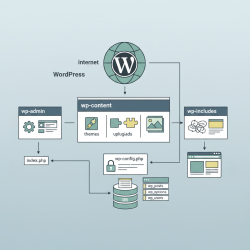
Rather than deleting revisions manually, you can set a limit on how many revisions WordPress stores for each post or page. This can be done by adding a line of code to your wp-config.php file. For example, define('WP_POST_REVISIONS', 3); would limit revisions to three, significantly preventing database bloat from the start.
Cleaning Up Comments
Beyond just deleting spam, you should also consider reviewing old unapproved comments. Regularly moderating and deleting old, irrelevant, or low-quality comments helps keep your database tidy and your comment section relevant.
Essential Tools for Database Optimization
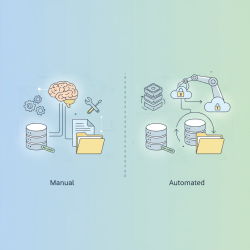
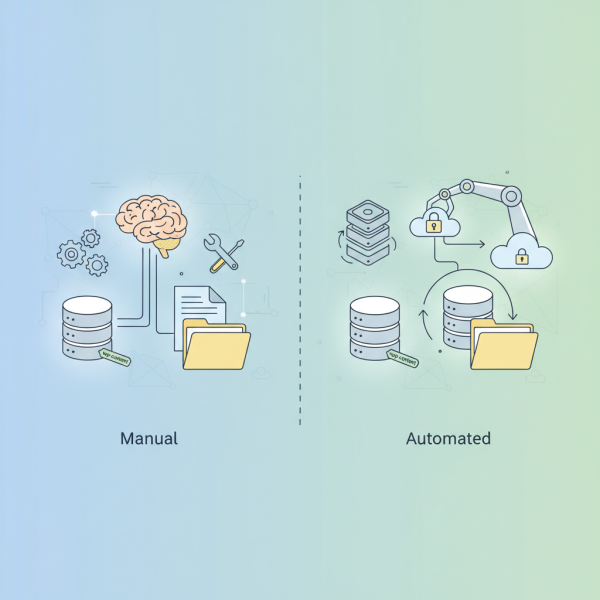
While some tasks can be performed manually, dedicated tools make the process much more efficient and less prone to error.
WordPress Optimization Plugins
Several plugins are specifically designed to help you optimize your database with ease. Popular options include:
- WP-Optimize: This plugin cleans your database, compresses images, and caches your site. For database cleanup, it can remove post revisions, spam comments, unapproved comments, transient options, and optimize database tables with a single click.
- Advanced Database Cleaner: This plugin offers a more granular approach, allowing you to clean specific tables, view detailed information about orphaned items, and schedule cleanups. It's particularly useful for identifying and removing orphaned data left by plugins.
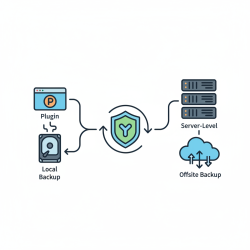
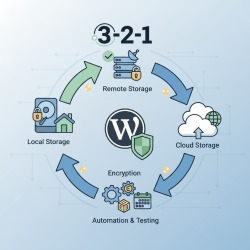
Don't forget - always back up your database before using any optimization plugin.
Comprehension questions
 Why is database optimization important for a WordPress website's performance?List three types of unnecessary data that should be regularly deleted from a WordPress database.How can limiting post revisions prevent database bloat in WordPress?Name two essential tools mentioned in the article for WordPress database optimization.
Review Quiz
Next Lesson
Course Contents : Mastering WordPress Site Maintenance
- >> 4.
 WordPress Database Optimization