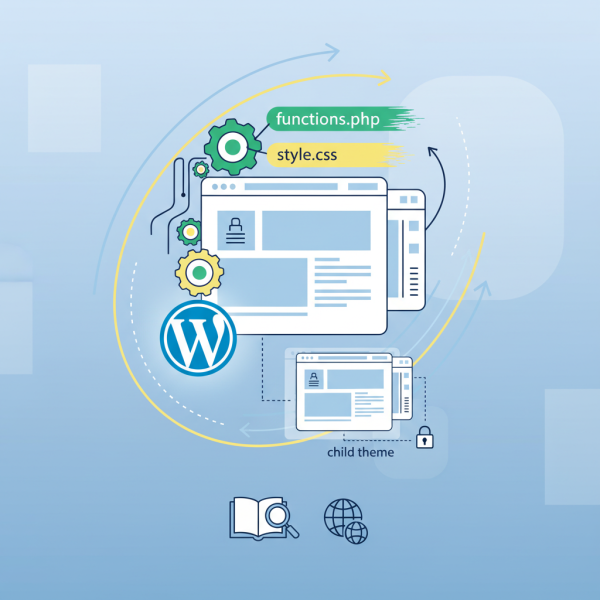
WordPress Themes and Site Customization
Course Details
WordPress themes are the aesthetic and functional backbone of any WordPress website, dictating its entire visual presentation and often influencing user experience. For open source web developers, a deep understanding of theme architecture and customization is not just beneficial, but essential for building robust, scalable, and visually compelling digital platforms. Beyond mere aesthetics, themes encapsulate a wide array of functionalities, layout options, and integration points, offering a powerful toolkit for crafting unique online identities.
The ability to effectively select and implement the right theme is a critical skill. It involves evaluating responsiveness, performance, accessibility, and compatibility with essential plugins, all while aligning with a client's or project's specific branding and functional requirements. Customizing a theme to perfection involves more than just changing colors; it extends to modifying layouts, integrating custom fonts, adapting header and footer elements, and leveraging WordPress's built-in customization tools alongside developer-focused techniques like child themes and custom CSS.
This course will guide you through the entire lifecycle of WordPress themes, from initial exploration and informed selection to seamless installation and sophisticated configuration. We will delve into best practices for theme evaluation, ensuring you choose themes that are not only visually appealing but also well-coded and optimized for performance. You'll learn how to utilize the WordPress Customizer for immediate visual changes and explore advanced methods for deeper modifications, empowering you to create truly bespoke digital experiences without compromising future updates.
Join us to unlock the full potential of WordPress themes, transforming your development workflow and elevating your ability to deliver stunning, high-performing websites. This course offers practical insights and hands-on techniques designed to empower you with the expertise needed to master site customization, making you an invaluable asset in any web development project.
Course Contents (11 lessons)
- 1.
 WordPress themes are pivotal for website design and functionality, featuring core files like style.css, functions.php, and templates dictating appearance and operations.
 - 2.
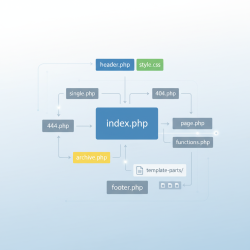 This guide explains the WordPress theme file structure, detailing essential template files, their specific purposes, and the core template hierarchy for developers.
 - 3.
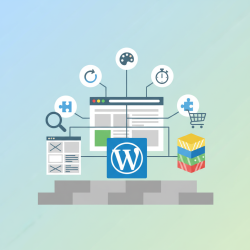 Efficiently search and filter WordPress themes in official directories and marketplaces. Prioritize responsiveness, performance, and support for optimal website foundation.
 - 4.
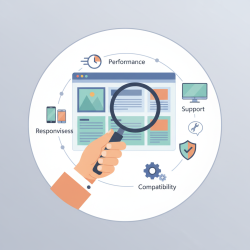 Critically evaluating theme quality, performance, responsiveness, and compatibility before installation is vital for a robust, user-friendly, and future-proof website.
 - 5.
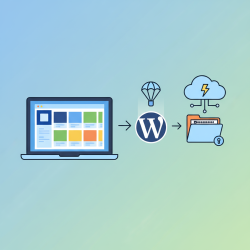 Master WordPress theme installation using the intuitive dashboard for quick setup, and the manual FTP method for advanced control and customization, perfecting your site's look.
 - 6.
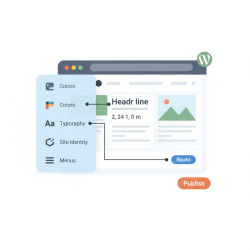 Discover how to effectively use the WordPress Customizer to effortlessly manage site-wide visual elements, including colors, fonts, and header design, ensuring a cohesive and professional online presence without coding.
 - 7.
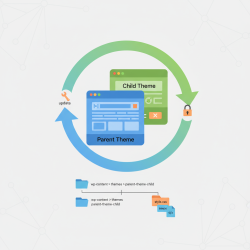 Discover how implementing child themes in WordPress provides a robust solution for safely customizing theme files and styles, ensuring your unique modifications are preserved across parent theme updates and maintaining site integrity.
 - 8.
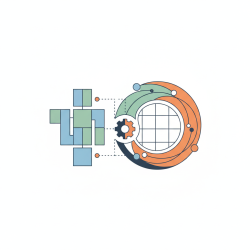 This article explores strategic integration of WordPress's native block editor with popular page builders to create sophisticated custom page layouts and content sections, enhancing design flexibility and workflow efficiency.
 - 9.
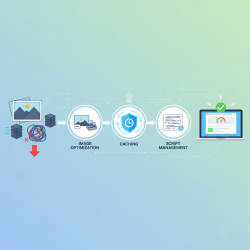 Optimizing theme performance is vital for user satisfaction and SEO, achieved through smart image handling, effective caching, and streamlined script management practices.
 - 10.
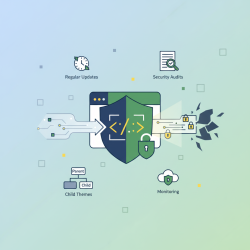 Safeguard your website from vulnerabilities and attacks by understanding and applying crucial theme security best practices, from selection and updates to configuration and continuous monitoring.
 - 11.
 Mastering theme troubleshooting involves diagnosing layout problems, resolving styling inconsistencies, and managing plugin conflicts for a stable website.